
Garth’s Answers
Welcome to Ask Garth, the ultimate resource for all your Intune and ConfigMgr Inventory and Reporting questions. Whether you need assistance with PBRS, SSRS, Power BI or General Intune OR ConfigMgr topics. Our expert, Garth Jones, shares his in-depth knowledge and provides step-by-step guides to help you navigate through the complexities Intune and ConfigMgr. Explore our informative articles and tutorials to enhance your skills and stay up-to-date with the latest industry trends. Join our newsletter to receive exclusive updates and never miss out on valuable insights. Follow us on social media for more useful content and stay connected with the Ask Garth community.
How to Create a Power BI Date Range Slicer
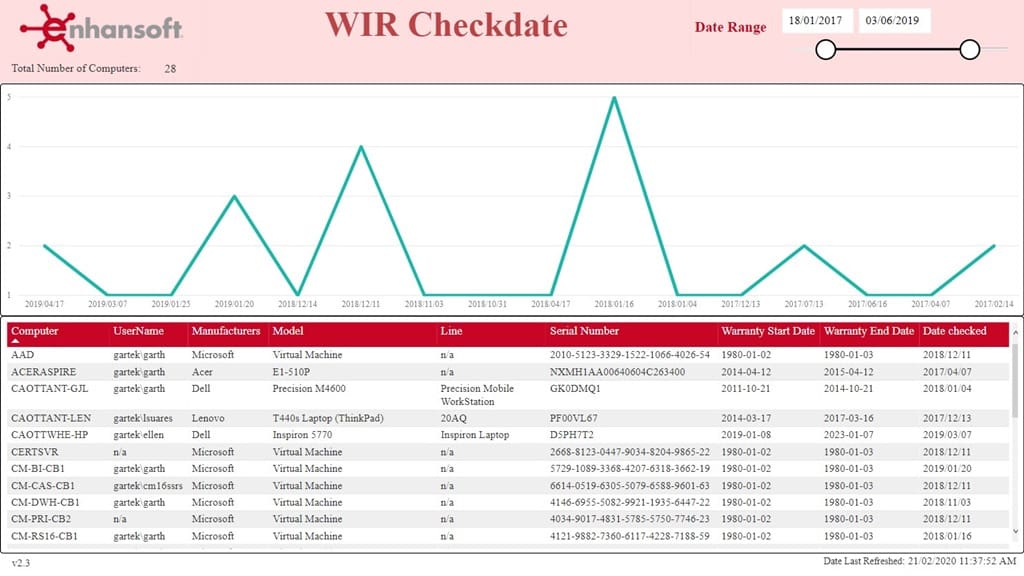
Hi Everyone! This blog post is about how to create and use a date range slicer. I am also going to tell you about the different date range slicer options and each one’s purpose, but first let me share with you why I wrote this post. Earlier this year, I created a date...
How to Create a Power BI Date Range Slicer
Hi Everyone! This blog post is about how to create and use a date range slicer. I am also going to tell you about the different date range slicer options and each one’s purpose, but first let me share with you why I wrote this post. Earlier this year, I created a date...
How to Create a Date Prompt in SSRS
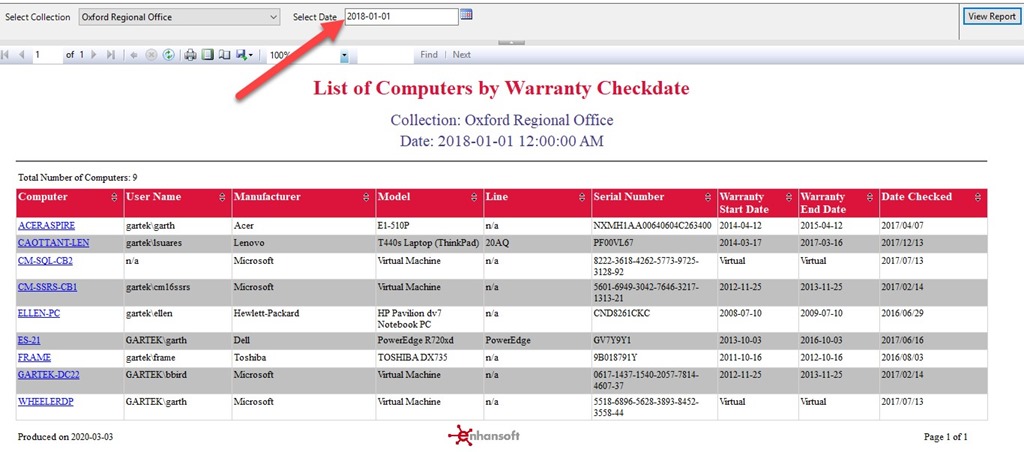
There is a long story behind why I needed to create a date prompt, but the short story involves some feedback from a customer. The customer wanted to see how often computers check their warranty status with Enhansoft’s Warranty Status API. Now, this blog post is not...
How to Create a Date Prompt in SSRS
There is a long story behind why I needed to create a date prompt, but the short story involves some feedback from a customer. The customer wanted to see how often computers check their warranty status with Enhansoft’s Warranty Status API. Now, this blog post is not...
How to Customize SSRS Line Chart Markers
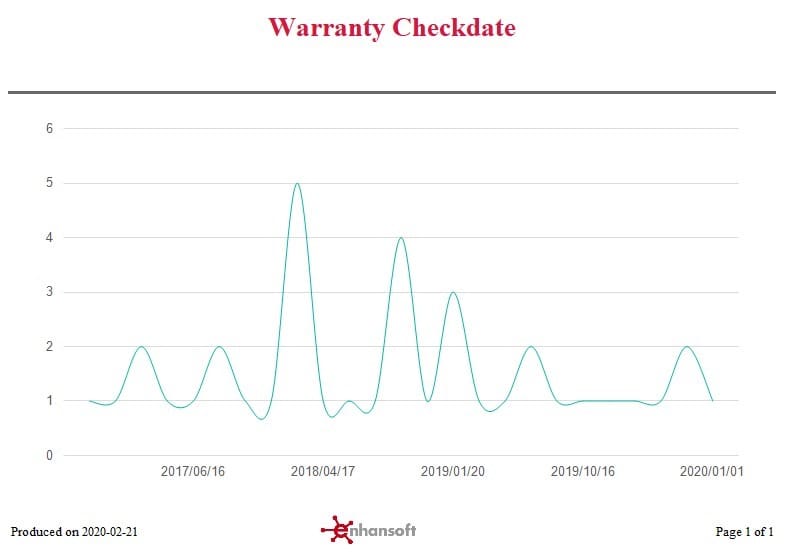
Hi All! This is what I call an interesting blog post. All report developers, at one time or another, wish they could customize reports to their own liking. It could be as simple as adding a department name, a project name or a company name to a SQL Server Reporting...
How to Customize SSRS Line Chart Markers
Hi All! This is what I call an interesting blog post. All report developers, at one time or another, wish they could customize reports to their own liking. It could be as simple as adding a department name, a project name or a company name to a SQL Server Reporting...
Problem Steps Recorder (PSR) Stored Screen Captures
The other day I was working with a client to help them setup their System Center 2012 Configuration Manager (CM12) server. As part of the project we wanted to document every step we did, so we used PSR.exe (Problem Steps Recorder). We installed SQL and set the...
BIDS Error – Passing Variables to Stored Procedures, Part II
Additionally, as promised in yesterday’s blog post, here are a couple more SQL Server Business Intelligence Development Studio (BIDS) error messages that I come across from time-to-time with quick ways to fix them. As a Microsoft Endpoint Configuration Manager (MEMCM...
BIDS Error – Passing Variables to Stored Procedures, Part I
Every so often I run across BIDS Error involving passing variables to stored procedures when I’m using Business Intelligence Development Studio (BIDS). We use stored procedures for all of our SQL Server Reporting Services (SSRS) reports, so I’m more likely than most...