Garth’s Answers
Welcome to Ask Garth, the ultimate resource for all your Intune and ConfigMgr Inventory and Reporting questions. Whether you need assistance with PBRS, SSRS, Power BI or General Intune OR ConfigMgr topics. Our expert, Garth Jones, shares his in-depth knowledge and provides step-by-step guides to help you navigate through the complexities Intune and ConfigMgr. Explore our informative articles and tutorials to enhance your skills and stay up-to-date with the latest industry trends. Join our newsletter to receive exclusive updates and never miss out on valuable insights. Follow us on social media for more useful content and stay connected with the Ask Garth community.
ConfigMgr Client Health – Anders Rødland Startup Script
As many of you know I now work for Recast Software as part of that process, my old lab was running on hardware that Recast now owns. So, if you follow my twitter account, I bought a new server to host my labs. This meant that I need to rebuild everything from the...
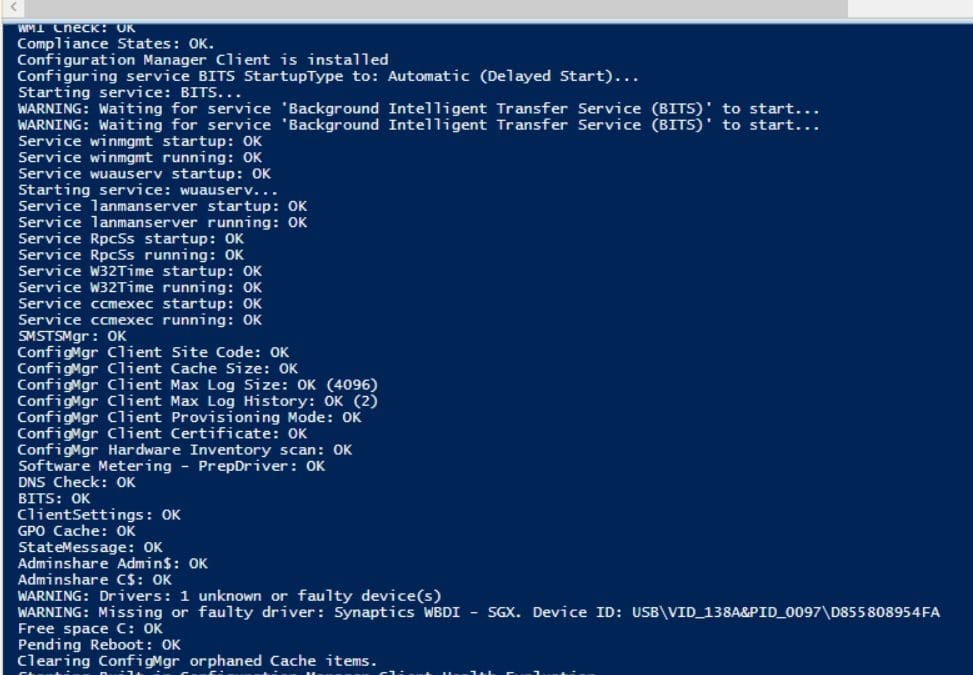
ConfigMgr Client Health – Anders Rødland Startup Script
This article will provide you with tips to setting up ConfigMgr Client Health computer start up script.
How to Leverage Intune Data and Write a Basic Power BI Report
Are you having trouble finding information about how to leverage Microsoft Intune data in a Power BI report? You’re not alone. Everywhere I looked for these reporting details, I either couldn’t find anything or the information was incomplete. In some cases, the...
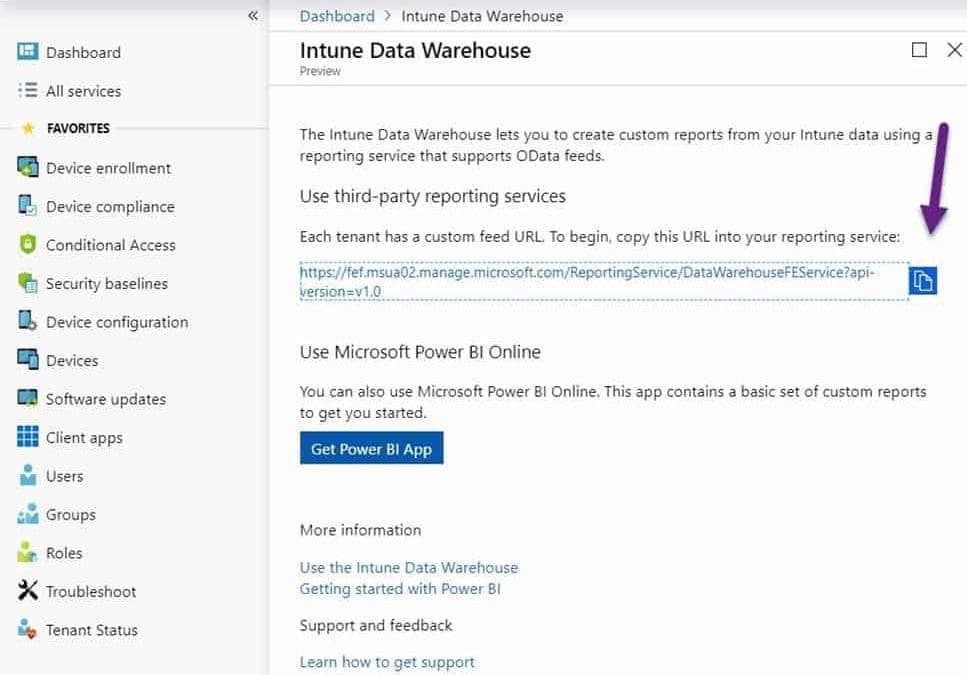
How to Leverage Intune Data and Write a Basic Power BI Report
Are you having trouble finding information about how to leverage Microsoft Intune data in a Power BI report? You’re not alone. Everywhere I looked for these reporting details, I either couldn’t find anything or the information was incomplete. In some cases, the...
Dude, Where Are My Prompts?
In this blog post, I’m going to show you two tips involving prompts. I will start with the problem, “Where are my prompts?” And, then I’ll show you a trick that I love. Both tips are really the same thing, but let’s talk first about the problem in the title of this...
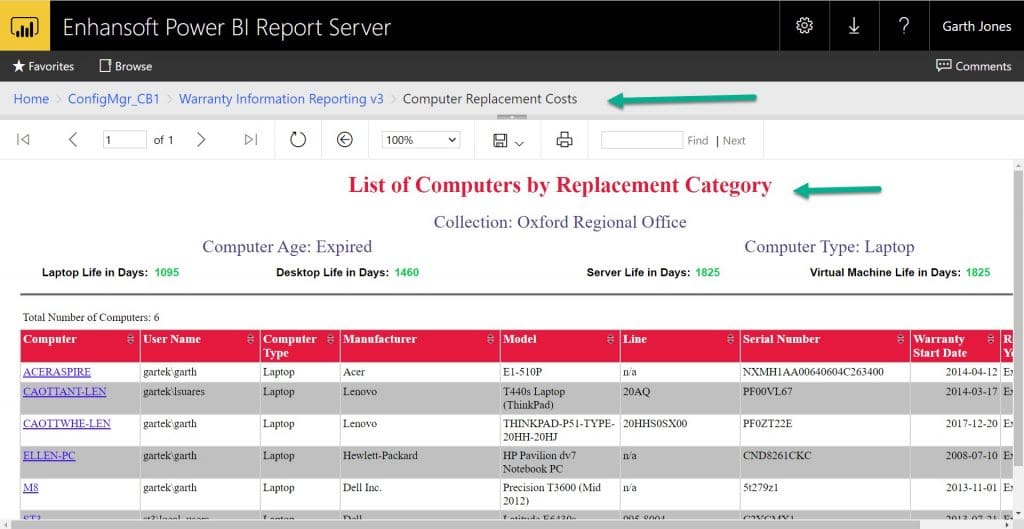
Dude, Where Are My Prompts?
In this blog post, I’m going to show you two tips involving prompts. I will start with the problem, “Where are my prompts?” And, then I’ll show you a trick that I love. Both tips are really the same thing, but let’s talk first about the problem in the title of this...
Edgy about Windows 10 Edge!
I’m really starting to “dislike” the Windows 10 Edge browser. Recently I made the mistake of upgrading to Windows 10 during a busy week. As part of the process, Windows 10 overwrote a TON of my default settings and replaced them with Edge as the default program....
SSRS Access Denied Message
I run into various issues with SQL Server Reporting Services (SSRS). There are two different fixes for the following SSRS access denied error message. As a Microsoft Endpoint Manager Configuration Manager (MEMCM / MECM/ SCCM / CM / ConfigMgr admin, you will run into...
Configuring an Android 5.1 RC1 VM
Continuing on from my last blog post about how to install an Android 5.1 RC1 VM, I will now take you through the configuring an Android process. 1. As soon as you boot, you will see the Android logo. 2. Click Next (yellow arrow). Watch out for the mouse/touch...